
How to Joining a Random Blooket Game: Complete Player Guide
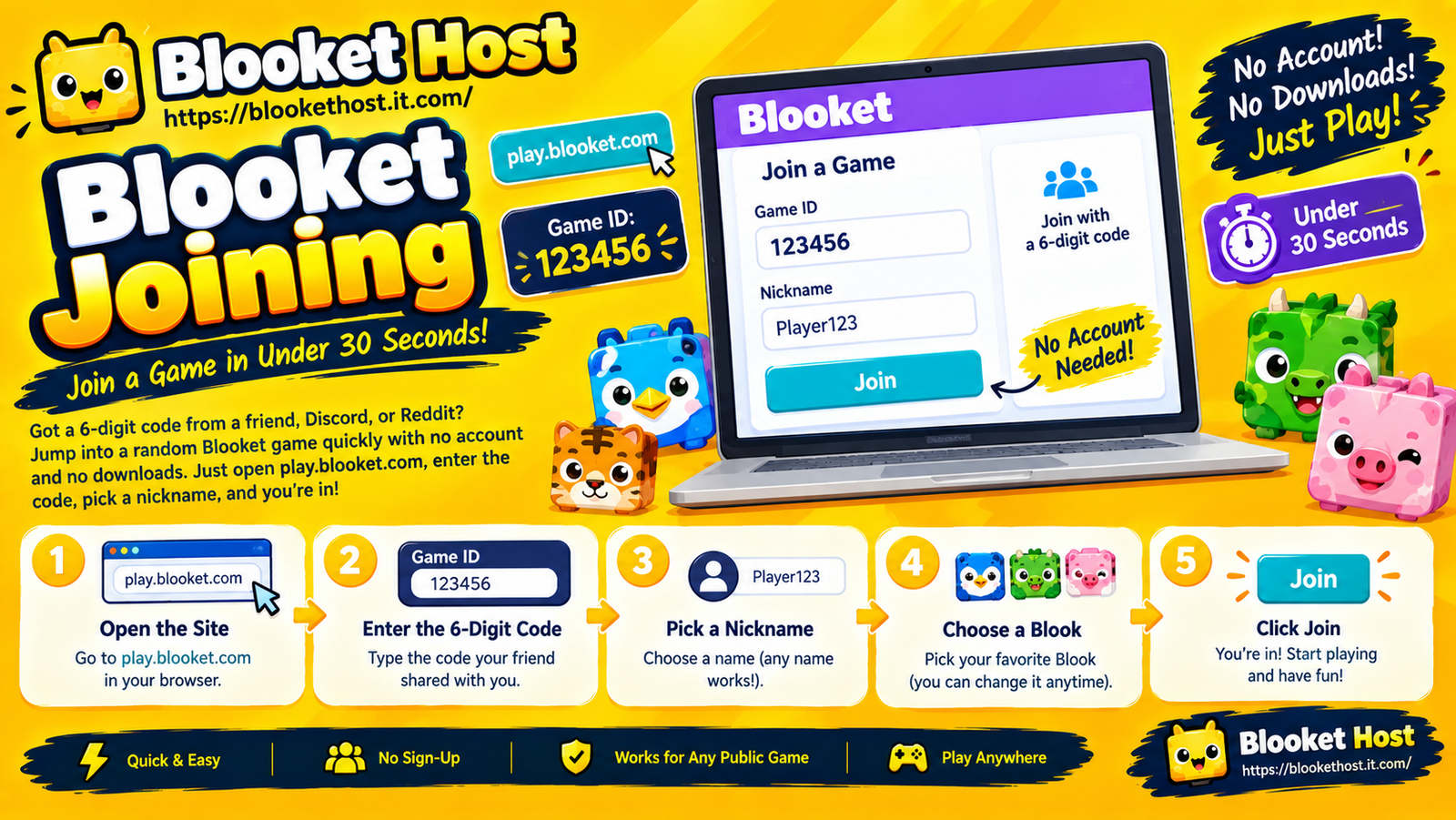
You’ve got a 6-digit code from a Discord ping, a Reddit thread, or a friend’s stream, and now you need to jump into that lobby before it closes. This guide shows exactly how to join a random Blooket game in under a minute, with no account and no downloads. Open play.blooket.com, type the 6-digit Game ID, pick a clean nickname, and you’re in. That’s the full process for any public lobby — but a few extra details below will save you from missing the window entirely.
Why Random Lobbies Work Differently Than Classroom Games
Most Blooket guides assume you’re joining a game your teacher started, where the code is displayed on a board and the session sticks around for a while. Random lobbies shared through Discord, Reddit, Twitch chat, or a friend’s stream are a different situation entirely — they’re often smaller, shorter-lived, and posted by someone hosting for fun rather than running a scheduled class period. That means speed and accuracy matter more than usual, since a public code can fill up or expire faster than a classroom one.
Step-by-Step: Joining a Random Game
- Go directly to play.blooket.com. Type the URL into your browser rather than searching for it — search results can sometimes surface outdated pages or unofficial mirrors, which wastes time you don’t have if the lobby is closing soon.
- Enter the 6-digit Game ID exactly as it was shared. Codes posted in chat or on Reddit are easy to mistype, especially with characters like 0/O or 1/I, so double-check before hitting enter.
- Pick a nickname. For a random public lobby, there’s no need to use a real name — pick something quick and appropriate, since you’ll be visible to strangers in the session, not just people you know.
- Click Join and you’ll land in the lobby, where you’ll see other players populating the player list until the host starts the game.
No account, no email, no password — the entire process is designed to work anonymously, which is exactly why it’s the go-to method for jumping into a stranger’s lobby on short notice.
Where Random Codes Actually Come From
If you’re new to finding public games rather than joining ones from your own teacher or friend group, here’s where 6-digit codes for open lobbies typically circulate:
- Discord servers built around Blooket communities or general gaming Discords where someone pings a code when they start hosting.
- Reddit threads, particularly in subreddits centered on the game, where users post a live code inviting others to join.
- Livestreams, where a streamer displays a code on screen and invites viewers to jump into the game in real time.
- Social media posts, especially short-lived ones on platforms where a code is shared and expected to be used quickly.
Because these codes come from individual hosts rather than a scheduled class session, availability is much more unpredictable — a code might work for ten minutes and then be gone.
Why Codes From Random Lobbies Expire Fast
Unlike a classroom code that a teacher might leave active for an entire class period, random public lobbies are often run informally, which means:
- The host may close the lobby once it feels “full enough,” even if the game technically supports more players.
- The host may start the game manually as soon as a decent group has joined, locking out anyone who arrives late.
- The session may simply end after one round, especially on streams or quick Discord get-togethers, rather than running multiple back-to-back games like a scheduled classroom session might.
If you click a code and get an error, it’s entirely possible the lobby simply moved on without you — not necessarily that you did anything wrong.
Common Issues When Joining Random Games
“Game not found” errors
This almost always means either the code was mistyped, or the lobby has already closed. Double-check the code first; if it’s correct, the session is likely no longer active.
Getting in just as the game starts
Random lobbies move fast. If you join right as the host launches the game, you may land in mid-session rather than a fresh lobby — this isn’t a bug, it’s just a timing issue that comes with jumping into an already-active community game.
Username conflicts or odd display issues
Occasionally a nickname you want may already be in use by another player in that specific lobby. If your chosen name doesn’t seem to register properly, trying a slightly different variation usually resolves it instantly.
Being removed from the lobby
Hosts running public random games sometimes moderate more actively than a classroom teacher would, especially if usernames or behavior violate the spirit of the community sharing the code. If you’re removed, it’s typically host-side moderation rather than a technical error.
Tips for Never Missing a Random Lobby Again
If you’re someone who regularly jumps into public games from Discord or Reddit, a few habits make the process noticeably smoother:
- Bookmark play.blooket.com so you’re not wasting time searching for it when a code drops.
- Keep the tab open in advance if you know a stream or Discord event is starting soon, so you’re ready to type the code the moment it’s shared.
- React fast to codes in chat. Popular streams or active Discord servers can flood a lobby within seconds of a code being posted, so speed matters more than it would for a scheduled classroom game.
- Have a backup nickname ready in case your first choice is already taken in a crowded public lobby.
The Bottom Line
Joining a random Blooket game boils down to the same core steps as any other join — play.blooket.com, enter the code, pick a nickname — but the timing pressure is real when the code comes from a Discord ping, a Reddit post, or a live stream rather than a teacher’s board. Knowing that these lobbies can close fast, and having the join page ready to go before the code even drops, is what separates players who consistently get into the action from the ones who show up just as the lobby closes.


