
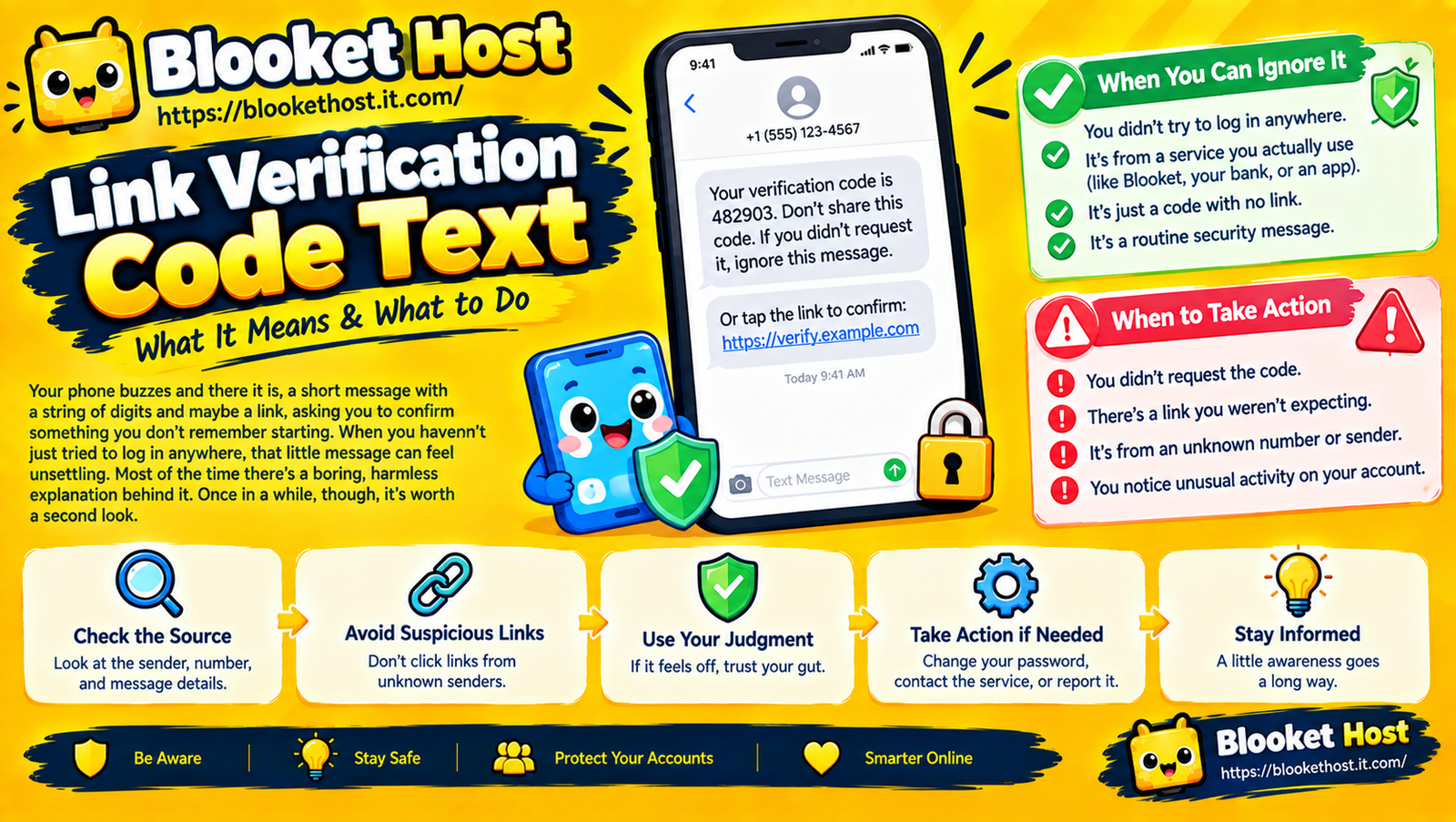
Why You Got a Link Verification Code Text
Your phone buzzes and there it is: a short message with a string of digits and maybe a link, asking you to confirm something you don’t remember starting. When you haven’t just tried to log in anywhere, that little message can feel unsettling. Understanding why you got a link verification code text is usually the fastest way to calm that unease, because most of the time there’s a boring, harmless explanation behind it. Once in a while, though, it’s worth a second look. This guide walks through, in plain terms, why these texts show up, when you can ignore them, and when you should actually do something.
What a Verification Code Text Actually Is
A verification code (sometimes bundled with a link) is a one-time security check that services use to confirm you’re really the person trying to log in, reset a password, or make a change to an account. It’s part of a system called two-factor authentication, or 2FA — the idea being that even if someone has your password, they’d also need access to your phone to get past this second step.
When everything is working as intended, you request the code yourself (by logging in or resetting a password), and it arrives within seconds. The confusing, slightly alarming version is when the code shows up without you doing anything.
The Most Common Harmless Explanations
Before jumping to worst-case scenarios, it’s worth ruling out the boring reasons first, since these account for the vast majority of unexpected codes.
A delayed or duplicate request. Sometimes an app or site sends a verification text with a slight delay, and you may have simply forgotten you triggered it minutes earlier — during a login attempt, an app reinstall, or a password manager auto-filling a form.
An account recovery flow you started earlier. If you clicked “forgot password” or “verify this device” at some point and then got distracted, a code arriving later can feel unprompted even though you technically started the process.
A shared or previously used phone number. If your number was reassigned to you by your carrier and previously belonged to someone else, you may occasionally receive stray verification texts tied to that person’s old accounts — a known quirk of number recycling rather than anything targeting you specifically.
A typo on someone else’s part. Occasionally, someone else simply mistypes a phone number into a login field, and your phone receives a code meant for a stranger. This is more common than people expect, especially with services that don’t verify number ownership until after the code is sent.
When It’s Worth a Closer Look
The above explanations cover most cases, but a few patterns are genuinely worth paying attention to:
Multiple unexpected codes in a short window. One stray text is usually nothing. Several arriving back-to-back, especially from the same service, suggests someone actually has your correct password and is actively attempting to log in — the verification step is the only thing currently standing between them and your account.
Codes from a service tied to something sensitive. A stray code from a random app is low-stakes. A stray code from your bank, email provider, or any account tied to financial access deserves more attention, simply because the potential downside of ignoring a real attempt is much higher.
A code paired with a request to “share” or “confirm” it. This is the biggest red flag of all. Legitimate services never ask you to read a verification code back to a person on the phone, forward it to someone, or click through a link to “confirm” the code externally. Any message or call asking you to do this is almost certainly a scam attempt — specifically, a technique where someone already has your password and is trying to get you to hand over the second factor protecting your account.
Why the “Just Ignore It” Advice Isn’t Always Enough
A lot of casual advice says unexpected codes are harmless as long as you don’t click anything, and that’s true as far as it goes. But if someone is actively trying to break into an account of yours, ignoring the text doesn’t address the underlying issue — it just means you didn’t help them on this particular attempt. If the pattern repeats, or if you’re at all unsure, it’s worth taking the extra step of directly checking the account in question rather than just letting the message sit unanswered.
What to Actually Do
If you get an unexpected code and want more certainty than “probably fine,” here’s a simple sequence:
- Don’t click any link included in the text. Even if the message looks legitimate, navigate to the actual service directly through your browser or app rather than through a provided link.
- Log into the account directly (through the official app or website, typed in yourself) and check for any suspicious recent activity — login history, connected devices, or recent password changes.
- Change your password if you see anything unfamiliar, or even just as a precaution if the pattern feels off.
- Enable or confirm two-factor authentication if it isn’t already active, since this is exactly the mechanism protecting your account in the first place.
- Never share the code itself with anyone, under any circumstance, regardless of who they claim to be or how urgent they make it sound.
A Quick Gut-Check Table
| Situation | Likely Meaning |
|---|---|
| One stray code, no repeat | Probably a delayed request or someone else’s typo |
| Codes from a number you recently got from your carrier | Likely leftover from the previous owner |
| Multiple codes back-to-back | Someone likely has your correct password |
| A request to share or forward the code | Almost certainly a scam attempt |
| Codes tied to financial or email accounts, repeatedly | Worth an immediate password change |
The Bottom Line
Most unexpected verification code texts trace back to something mundane — a delayed request, a recycled phone number, or someone else’s typo. The real signal to watch for isn’t the code itself, but the pattern around it: repeated attempts, sensitive accounts, or any request to share the code with someone else. When in doubt, the safest response is always the same — don’t click the link in the text, log into the account directly through the official app or site, and change your password if anything looks unfamiliar. That simple habit covers the overwhelming majority of situations these texts can represent, both the harmless ones and the ones actually worth acting on.

